How to Convert Your Sound System to Sonos
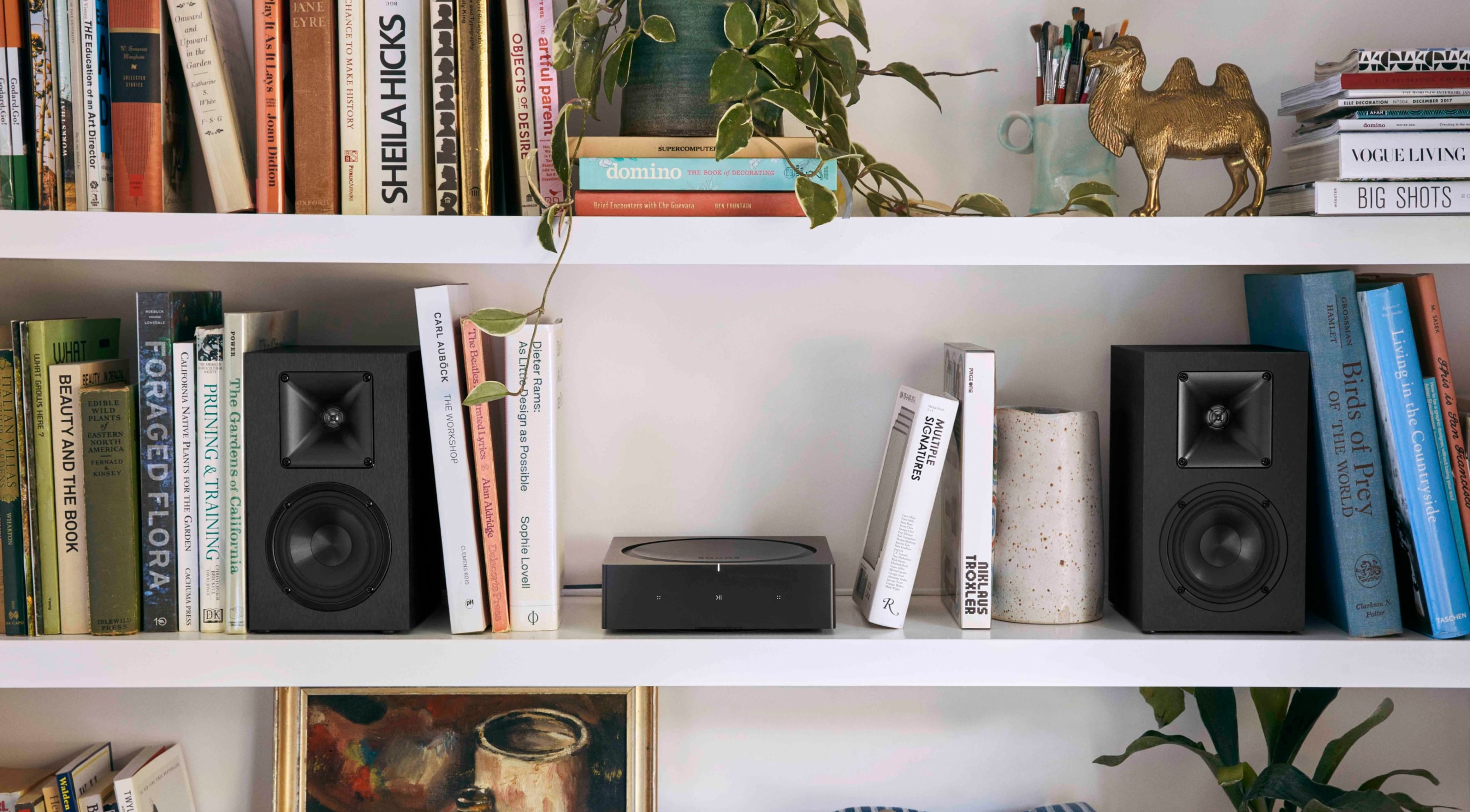
If you’re serious about home audio, chances are that you have at least a few components already set up to play music in your house — a receiver, a turntable, a couple of speakers, maybe even an entire sound system. This can seem like a confusing starting point for integrating Sonos products. At the least, you might have some questions about converting your existing system into a Sonos sound system capable of wirelessly streaming high-quality audio throughout your home.
People upgrade their traditional wired sound systems to Sonos all the time. We’ve even built a few products with this specific idea in mind. Want to keep your existing speakers? Sonos Amp powers your passive speakers while connecting them to the rest of your Sonos sound system over WiFi or Ethernet. Can’t let go of your existing stereo or receiver? Sonos Port adds the Sonos streaming experience to gear you already own, with line-in and line-out flexibility and a 12V trigger that lets you control everything from the Sonos app.
Let’s get into some of the reasons people upgrade their existing sound system to Sonos — from a love of great sound to a desire for whole-home convenience. Then, we’ll show you how to choose the right Sonos product to take your current setup to the next level.
Why upgrade your existing sound system with Sonos?
Many traditional sound systems continue to sound excellent even by today's standards, but they simply weren't built for the way we listen today.
Streaming has become the primary way people consume music, but most traditional systems offer little to no native streaming capability — and connecting them to our wireless devices, like smartphones and laptops, often requires complicated additions or setups.
On top of that, managing a traditional system often means juggling clunky remotes and different wired inputs for your TV, audio receiver, and turntable. And extending a wired system to other rooms can be a costly and complicated challenge, given the lack of wireless connectivity between different listening spaces.
Sonos was among the first to pioneer a wireless approach to home audio. What Sonos adds is everything a traditional wired sound system lacks: whole-home audio streaming over a WiFi or Ethernet connection, compatibility with virtually any music platform, and control of every room from a single app.
What does it mean to “convert” a sound system to Sonos?
Converting your sound system to Sonos does not mean starting from scratch. It means keeping the speakers and components you already love while bringing them under the Sonos platform, so everything is connected, controlled, and managed in one place.
The Sonos ecosystem is built to integrate outside components alongside native Sonos products. That means your current passive wired speakers, turntable, and other beloved components don’t have to go anywhere. Bringing Sonos into the mix is less about replacing your current sound system and more about upgrading its capabilities.
Ready to convert? It starts with identifying which of your existing components you want to bring into your Sonos system.

Step 1: Identify your current sound system
Let’s take an inventory of your current sound system. This will help you choose which components you want to build around as you integrate your system with Sonos.
Most traditional sound systems feature passive speakers. These speakers are called “passive” because they lack a built-in amplifier and thus can’t actively amplify the signal coming from an audio device. These speakers typically require a wired connection to an external amplifier or AV receiver to power the audio signal. (Not sure if your speakers are active or passive? If your speakers don’t plug into an electricity source, chances are they’re passive.)
Your system may also have an existing amplifier or stereo receiver. As noted above, the amplifier powers the audio signal coming from the speakers. Amplifiers are often built into receivers, which serve as the central hub of the audio system, with controls for toggling between different audio sources and adjusting the overall sound settings.
Other existing components you may have include:
- A turntable or CD player.
- A soundbar for home cinema listening.
- A subwoofer dedicated to producing bass/low-end sound.
Step 2: Choose the right Sonos product
The Sonos products that are right for you largely depend on what you already have — specifically, whether your existing setup is built around passive speakers, a stereo receiver, or both.
Keep in mind that it’s OK to keep only your speakers and upgrade your receiver, or vice versa. If you’re satisfied with your existing components, you don’t need to swap them out. But if you’re ready to take them to the next level, there’s a Sonos product that can help you get there.

Sonos Amp: Best for powered control of passive speakers
Sonos Amp is the ideal way to bring your passive speakers into the Sonos system.
Amp not only powers your wired speakers, but also connects to the rest of the components in your audio system via a direct line-in input — including your turntable, CD player, and any other audio components you have in the mix. Amp can also connect wirelessly to Sonos speakers in different rooms throughout your home, making your passive speakers part of a true multi-room audio setup. And for a full home cinema experience, Amp's HDMI-ARC input lets you connect directly to your TV.

Sonos Port: Best for existing amplifiers or receivers
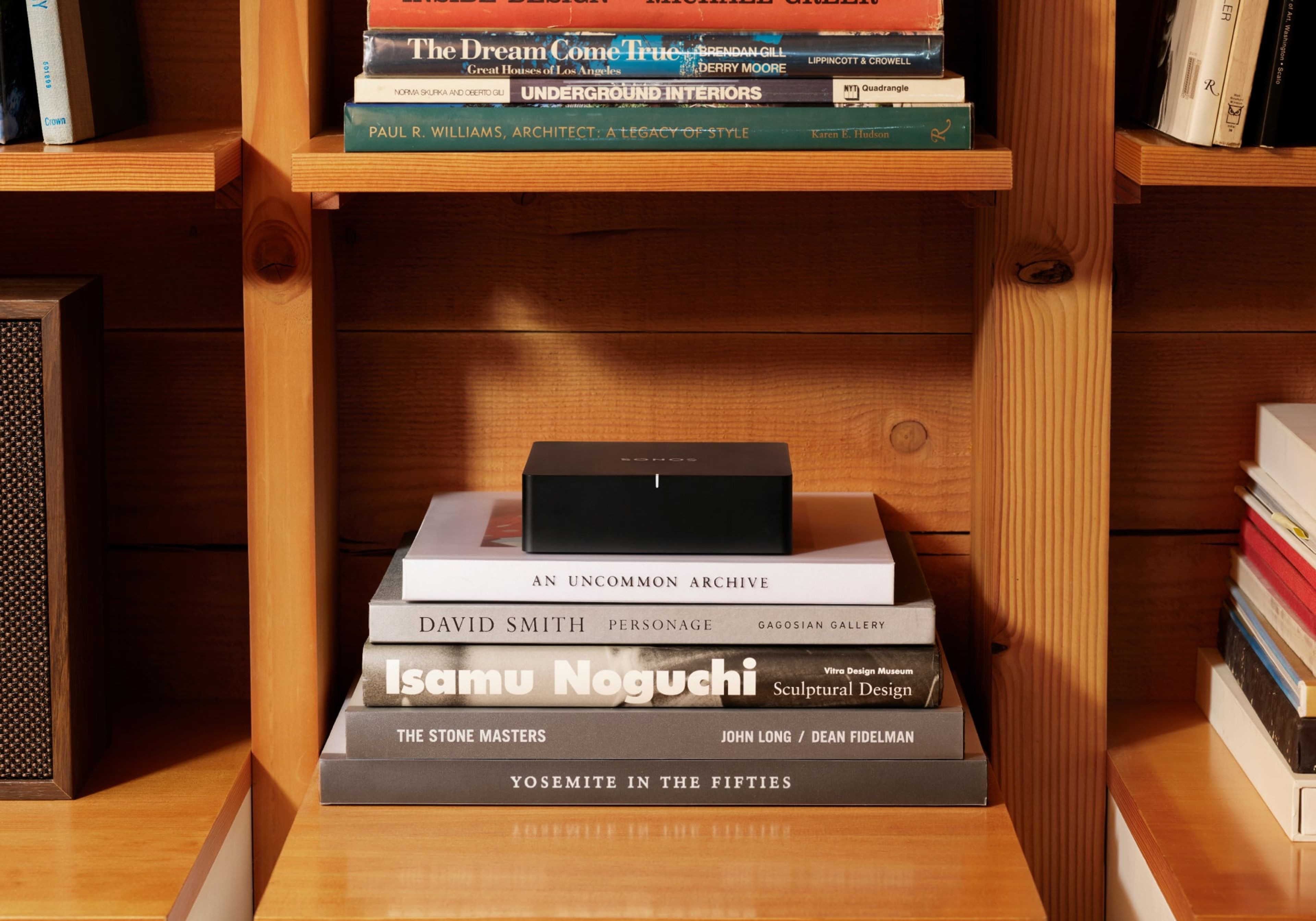
Sonos Port connects to traditional audio equipment — including amplifiers and stereo receivers — to add Sonos streaming capability to your existing system. This network audio streamer essentially brings the Sonos experience to a system consisting of all or mostly non-Sonos components. But it also leaves the door open to expand your sound system at any time, by adding Sonos speakers around your home.
Like Amp, Port acts as a central hub to your system, connecting everything over your home network for a seamless listening experience. It features both line-in and line-out flexibility, so you can connect not only your existing amplifier or receiver, but also your turntable, CD player, or other analogue audio source.
Port's 12V trigger output is especially helpful for converting your existing system. It connects directly to any amplifier with a matching 12V trigger input, bringing it out of standby mode the moment music starts playing in the Sonos app. This reduces the lag between pressing ‘Play’ and your speakers actually playing audio, keeping your existing amplifier fully integrated into your Sonos system without any extra steps.
Step 3: Connect your system to Sonos
Connecting a new component to your Sonos system is as easy as following the guided setup steps in the app.
To connect to Sonos Amp:
- Passive speakers connect directly to Amp using standard speaker wire (we recommend 12 to 16 AWG). Every Amp comes with two custom-threaded banana plugs, which attach to the end of your speaker wire and are optimised to deliver the best possible sound.
- TVs and monitors connect to Amp via an HDMI ARC input.
- Pre-amplified turntables and other audio output devices connect to Amp via line-in. You’ll need the right cable for this — If the source you want to play from has an 1/8" (3.5 mm) output, you’ll need an 1/8" (3.5 mm) to RCA audio cable (not included). If the source has RCA outputs, you’ll need to use an RCA cable (not included).
- Powered subwoofers connect to Amp’s ‘SUB’ output using a standard RCA cable.
To connect to Sonos Port:
- Receivers and amplifiers connect to Port via a digital coaxial cable (not included). Simply connect the Port’s coaxial digital audio output to the audio inputs on your amplified audio component.
- Pre-amplified turntables and other audio output devices connect to Port via the included RCA audio cable.
Whether you’re using Amp or Port, you’ll also need to connect your Sonos product to the internet. You can connect either component via WiFi, but we recommend using an Ethernet cable (not included) to connect to your home router for a more stable and reliable internet connection.
Once everything’s connected and plugged in, simply open the Sonos app and follow a few simple steps to complete the setup.
Step 4: Expand to multi-room audio
The Sonos app also allows you to assign each component to a room and group rooms together for multi-room audio playback.
It bears repeating that this is one of the major benefits of converting your traditional sound system to Sonos. Once you’ve placed your speakers in your desired locations throughout your home and connected them to the Sonos app, you can link them together over your home network.
Building a multi-room audio setup via Sonos app is much easier, and it enables some fun customisations. For example, you can create custom groups in your home that are frequently synced together. You might create a custom group called ‘Outside’ to play all of your outdoor speakers at once, or a ‘Hosting’ group to enable simultaneous playback in your living room and kitchen.
Frequently asked questions about converting to Sonos
Can I use Sonos with non-Sonos speakers?
Yes, you can use Sonos with passive, non-Sonos speakers. Use Sonos Amp to power your passive speakers and connect them to your Sonos system.
Do I need to replace my receiver?
You do not need to replace your receiver in order to convert your sound system to Sonos. Sonos Port brings the Sonos experience to your existing stereo or receiver, allowing you to stream audio and connect your receiver to Sonos speakers around your home.
Is Sonos good for whole-home audio?
Sonos isn’t just good for whole-home audio — it sets the standard for multi-room connectivity. As the pioneers of whole-home sound, Sonos offers a variety of multi-room speaker sets to suit your audio needs.
Will there be an audio delay?
In general, you shouldn’t experience a significant audio delay when using Sonos Amp or Sonos Port. That said, you may experience an audio delay when using the line-in feature, as your Sonos component introduces a slight delay between your line-in source and Sonos to reduce the chance of audio issues.
To minimise this delay, you can adjust your ‘Audio Delay’ settings down to the lowest setting (75 ms) in the Sonos app. For more information, visit our support page on how to adjust line-in settings.
Can I add Sonos home cinema later?
Yes, you can always add additional Sonos components later, as you expand your system. And when it comes to home cinema, Sonos Amp is a great option. You can use Amp in three ways: to power your front left and right speakers on its own; to run two Amps together — one for front left and right, and one for rear left and right; or to power rear surround speakers alongside a premium soundbar like Arc Ultra. For a single-Amp front speaker setup, you'll need a TV with an HDMI-ARC port, or an optical audio adapter if your TV doesn't support HDMI-ARC.
Convert to a Sonos-compatible system, one speaker at a time
Converting to Sonos isn’t an all-or-nothing task.
We wouldn’t want it that way. We know that lots of people love the speakers they already have but still want to benefit from the simplicity and scalability of a Sonos system, and we’ve designed a range of products to make that possible.
A Sonos sound system is a living thing. Which is to say, you can always add new (or old) components and continue building out your system to reach new rooms in your home. The possibilities are endless, and if you have a particularly complex case in mind, you can contact a Sonos pro installer to help make your dream a reality.
Ready to convert? Get in touch with someone from our team by phone or chat.


