How to Listen to Vinyl With Sonos
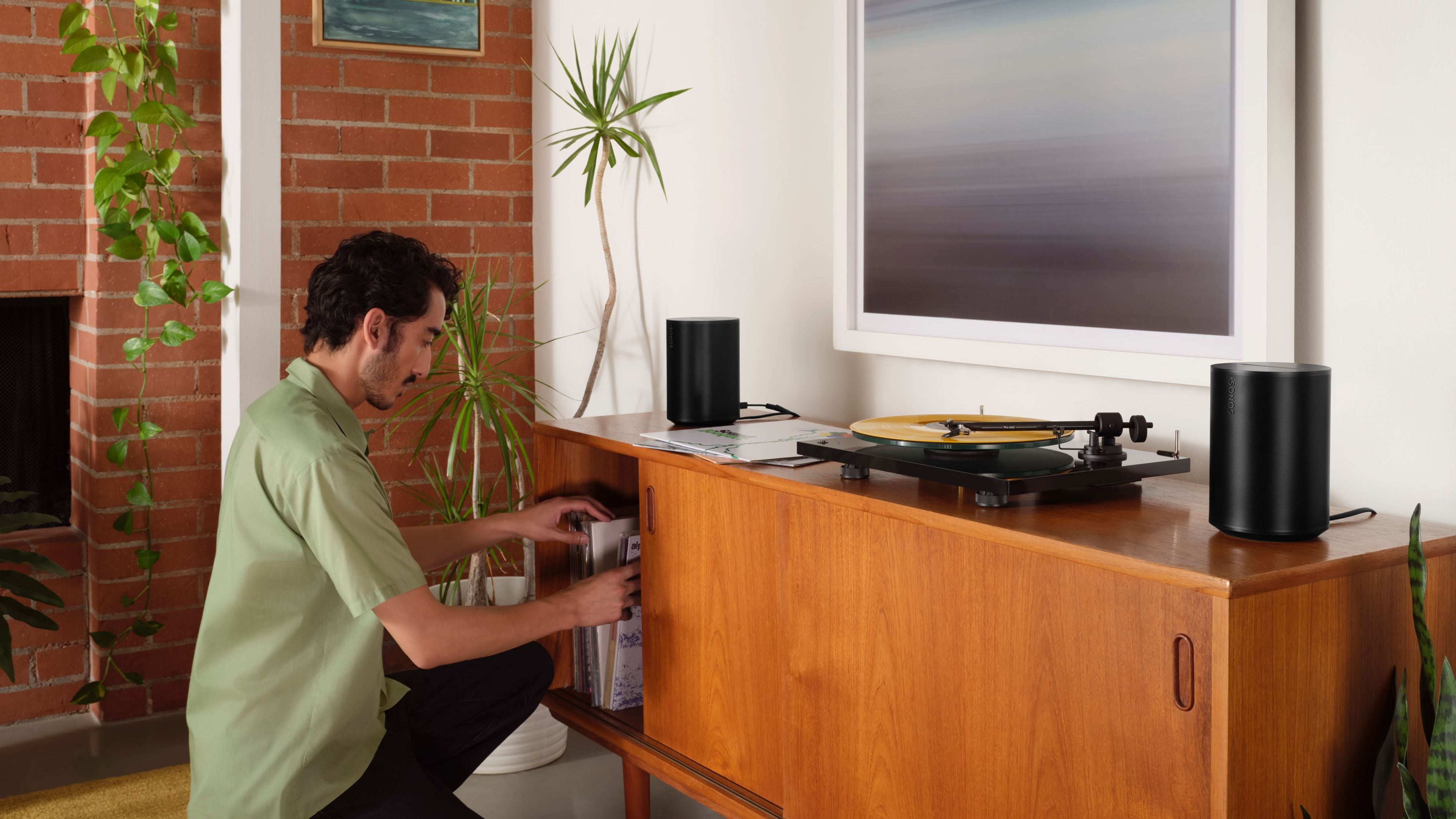
For generations of music lovers, vinyl remains the ultimate audiophile format. From the nostalgia-inducing crackle of the needle hitting the groove, to its warm analogue sound and the tactile pleasure of a beautiful 12” gatefold sleeve, the ritual of putting a record on a turntable and letting it carry you away retains a charm and romance all its own.
Even in a world where streaming is the everyday way we listen, records continue to resonate with people who value both sound quality and the experience of playing music they can hold, collect, and appreciate at their own pace.
Fortunately, you don’t have to choose between analogue and digital. With Sonos, you can enjoy the convenience of hundreds of streaming services and still bring your turntable into the mix, blending modern flexibility with the timeless appeal of vinyl.
If you’re ready to make the most of your collection, this quick guide will show you how to connect a turntable to your Sonos system so you can enjoy the rich, unmistakable sound of your favourite vinyl throughout your home.
Step 1: Connect your turntable to your Sonos system
There are a number of ways to do this. First, you’ll need one of the following Sonos products:
Era 300*
Era 100*
Era 100 SL*
Move 2*
Sonos Play*
Five (+ Stereo Mini jack to RCA Y-Audio Cable)
Amp
Port
*Requires the Sonos Line-In Adapter.
Of course, you’ll also need a turntable, like the T1 Evo Phono Turntable from Pro-Ject. We recommend that one because it has a phono preamp built in. If your turntable doesn’t have a phono preamp (most of them don’t), you’ll need to get one for the Sonos vinyl experience to work best. You can learn more about this on our Community site.

For Era 300, Era 100, and Era 100 SL
Our most advanced all-in-one speakers come with a direct line-in port for easily connecting your external audio devices to your Sonos system using the Sonos Line In Adapter.
Plug the Line-In Adapter into the USB-C input on the back of your speaker, and use a standard stereo RCA to 3.5mm cable to connect to your turntable. You can also connect to Era 300 and Era 100 via Bluetooth (more on that later).

For Move 2 and Sonos Play
Amongst our portable speakers, Move 2 and Sonos Play connect to a turntable the same way as Era 300, Era 100, and Era 100 SL, using the Sonos Line-In Adapter with a standard stereo RCA to 3.5mm cable. Since Move 2 and Sonos Play are designed to travel with you, make sure they’re connected to WiFi rather than Bluetooth when using line-in. For the best experience, keep your speaker on its wireless charging base during playback so you don’t run out of battery mid-session and it’s ready to go when you head out again.

For Five and Play:5
Plug your turntable directly into our biggest speaker using the line-in port on the back.
Plug the single end of an RCA Y-audio cable into the line-in port of Five/Play:5 and attach the split cable to the corresponding colours of the L/R audio outputs on the back of your turntable.

For Amp
If you have a turntable and third-party speakers but no amplifier, you can connect them to the Sonos system directly using Sonos Amp.
Just take the stereo RCA audio cable that comes with your Amp: plug one pair of white and red connectors into the left and right audio outputs of your turntable or preamp, and the other pair into the left and right audio inputs on the back of your Sonos Amp.

For Port
Sonos Port is perfect if you already have an amplifier and a set of third-party speakers. Port lets you use your amplified audio equipment to bring the sound of your vinyl collection into your multi-room Sonos system.
Just take the audio cable that comes with your Port. Plug one end into your turntable and the other end into the corresponding colours of the L/R inputs at the back of your Port.
Step 2: Switch the audio source on your Sonos app to Line-in
To use line-in, open the Sonos app on your phone or tablet. Go to the Browse tab, select Line-in, and then choose the Line-in source. You can even set up AutoPlay so your Sonos system knows it’s time to switch into vinyl mode as soon as the needle drops.
Step 3: Add extra speakers and rooms
If you have multiple Sonos devices set up in different rooms, you can group them together using the Rooms tab in the Sonos app, and spread the sound of your favourite vinyl throughout your home.

Bonus: Connect a turntable via Bluetooth
Some newer turntables offer Bluetooth connection, which means you can send audio to Bluetooth-capable Sonos speakers without the need for a wired connection.
Once you’ve set up your Sonos speakers over WiFi, then you’ll need to pair them via Bluetooth to your turntable. Press and hold the Bluetooth button located on the back of the speaker. When you hear a chime and the status light flashes blue, this indicates that your speaker is ready to be paired. From there, you can connect to your speaker from your device's Bluetooth settings.
Need help setting up Sonos to play vinyl? Our community site is loaded with answers to your most pressing questions.
More information on using a turntable with Sonos.
Learn about multi-room vinyl playback.
Read other discussions about specific issues related to playing vinyl on Sonos.


